In August and September I taught two workshops for professional editors on using AI in their work. Then I edited an AI policy, a climate financing policy paper and a chapter of my husband’s novel, and didn’t use AI for any of them.
This may seem a bit odd, given I’d spent the previous two months showing editors where AI can help! But in these three situations my focus was on being close to the text, and an AI review would have handed me more feedback to digest alongside it.
This article looks at when to use AI for editing and when it’s a distraction, with a question you can ask to help you decide.
Quick answer
Use AI for editing when the job is about volume: making sense of a lot of material, testing the structure and flow of a long document, or checking consistency against a style guide. Edit by hand when the job is about closeness: weighing every sentence, reacting as a real reader, or trusting your own ear for how the writing sounds. Whichever way you go, you make the final call on every change.
In this article, I cover:
- The range of editing prompts trialled at the workshops, and the exercise that didn’t appeal to fiction editors.
- Three recent editing jobs where AI helped me, and three I did by hand, with the reason behind each one.
- The ‘volume or closeness?’ question you can ask to help you decide whether to use AI on an editing task.
- How a three-level risk framework can help you manage risks when using AI.
When to use AI in the editing process
In August and September I gave ‘AI for Modern Editors’ workshops for members of the Institute of Professional Editors (IPEd). Ten people from across Australia and New Zealand took part in each session, with editing expertise in a wide range of topics, including law, science and policy documents as well as fiction.
The tagline on the workbook was ‘your judgment amplified – not replaced’. I didn’t spend much time on the obvious uses at the copyediting end of the process. Instead, we experimented with ways AI can add value at different stages in the editing process, including:
- getting feedback on a draft from a critical early reader, and from the ideal reader
- reviewing the structure and flow of a long report
- coming up with ideas for visual elements
- checking consistency with a style guide.
We also used an AI prompt to reflect on where it makes sense to use AI in different editing roles, and then used those findings to develop a personal AI policy to share with clients.
The exercise that split the room
Several fiction editors decided the critical reader exercise would be a distraction for them. It produced a lot of detailed analysis, and they felt it would be quicker to do the reading and analysis themselves than to read the text, assess the AI-generated analysis, and then build that into their own thinking.
In contrast, a non-fiction editor said the same prompt was one of the most useful aspects of the workshop for her.
It makes sense that a fiction editor who is responding to the voice, pace and feel of a manuscript may not benefit from having additional assessments to weigh up at the same time. However, a critical reader assessment can be a huge help to someone trying to find the overall story within a long report.
Three editing jobs where AI earned its place
I am more likely to use AI when the task is to get to grips with the shape of a document rather than to respond to each sentence. Here are three of my recent examples:
- Testing a draft from an expert’s point of view. When I was developing a deliberations report, I asked AI to review it from the point of view of a policy adviser and identify the biggest improvements I could make to it. Then I decided which of those improvements to act on.
- Restructuring a long report. When a client asked for additional elements to be included in a long report, I used AI to help me consider how to restructure it so the new material fitted in.
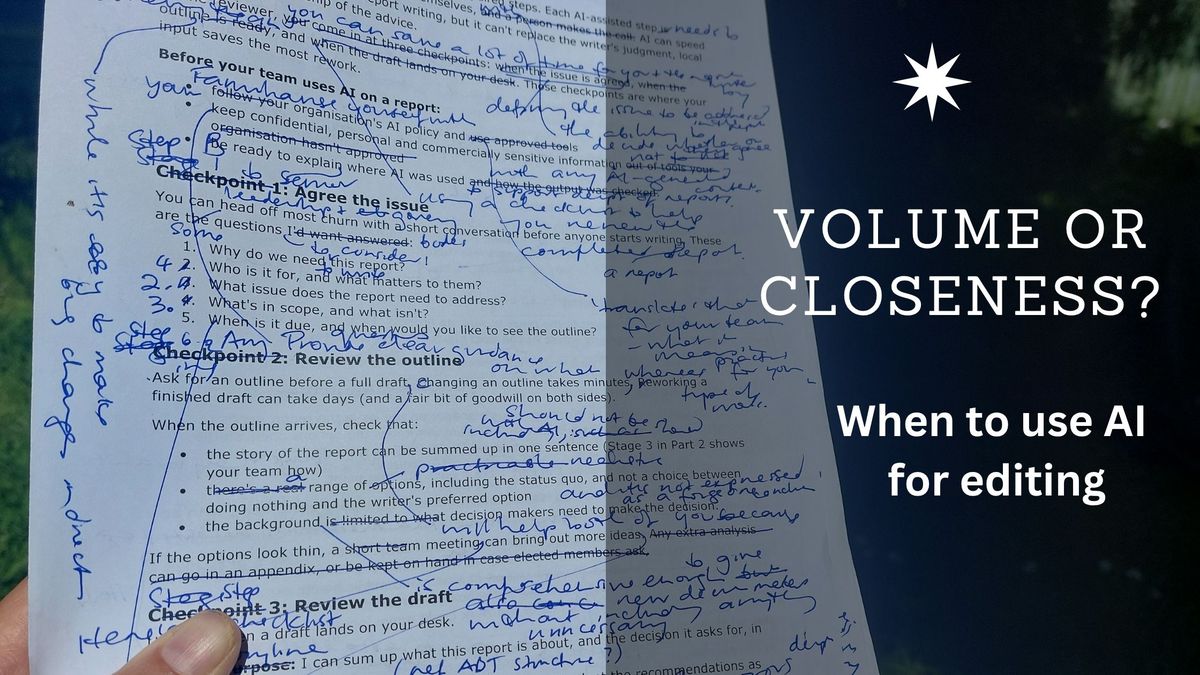
- Repurposing this article. This blog started life as my LinkedIn newsletter. I used AI to help me turn it into a standalone blog post. AI asked me some follow up questions to flesh out the content, suggested trimming an example that didn’t suit the primary audience of this website, and reorganised the content to make it easier to find through search. I chose which changes to make, and as always, I edited the draft by hand, on paper.
In each case, AI helped me see the whole document at once, and I made the final call on every change.
Three editing jobs I did without AI
The three documents I mentioned at the start of this article each needed a different kind of closeness to the text.
- Weighing every sentence. When editing a short AI policy for a client, I was focused on making it as simple and clear as possible. That meant weighing every sentence myself, drawing on my understanding of what the client needed to achieve, and integrating my risk management framework (which I describe further down).
- Reacting as a real reader. When reviewing the climate financing policy paper, I was giving the author my first impressions from a reader’s point of view. I took note of the complex banking terms I stumbled over, as someone without specialist banking knowledge. That’s useful feedback for the author, and it needs to come from a person.
- Trusting my ear. When completing a line-by-line edit of a chapter of my husband’s novel, my suggestions drew on my many years of reading novels.
In all three cases, an AI review would have added another layer of feedback to assess, and it would have been a distraction rather than a help.
Can AI give you a reader’s first impressions of a document?
AI can play the role of a reader, and that’s useful for testing structure and anticipating a decision maker’s questions. What it can’t do is stumble over a technical term the way a non-specialist does, because it already knows what the term means. If the point of the review is to find where a real reader gets lost, read it yourself or ask a colleague from outside the subject area.
Volume or closeness? A question to ask before you start
Here’s a good question to ask when deciding whether to use AI as part of an editing task:
- Volume: could AI help you to make sense of a large amount of information, decide on the structure, or decide what to improve?
- Closeness: Have you reached the point where you need to stay close to the text and weigh every sentence yourself, drawing on your understanding of the context and gut feel?
The answer to the question of whether AI will add value, or be a distraction, can change partway through a job. A long report might start as a volume task, where AI helps you test the structure and spot inconsistencies, and become a closeness task once you’re working line by line.
Should report writers use AI to edit their own reports?
It can be a great help for the volume stages, such as checking the narrative flow of a long report, spotting inconsistencies against your organisation’s style guide, or reading the outline from a decision maker’s point of view. Once you’re refining sentences, edit by hand and decide on each change yourself. My article on reviewing council reports has more examples of how to weave AI-supported and manual steps together.
How to manage privacy risks when using AI for editing
In the round-up at the end of the second workshop, six of the 10 participants highlighted the AI policy exercise as the most useful part of the day. They said it would help them to be transparent with clients about what they will and won’t do with AI.
My AI policy refers to three risk levels:
- Low risk: uses that don’t identify the organisation or client in any way, such as general research or developing the structure for a workshop.
- Medium risk: uses that do identify the client but don’t involve sensitive information, such as a draft report or consultation document that will become public. For this work I use my paid versions of Claude and ChatGPT with training of the model turned off.
Note: it’s also essential to leave the feedback buttons alone. If you rate an answer about how well AI is doing with your query, the whole conversation linked to that feedback may be used to train its models, even with the setting switched off. You can find out more about this here: OpenAI’s data use article and Anthropic’s privacy centre. - High risk: anything involving financial, sensitive or confidential information, such as HR or legal correspondence, submitter details or Māori data. I don’t use AI for any of this unless the client has approved it in writing.
The heart of the policy is a short statement about where AI sits in my work:
I use AI to support, and not to replace, my own judgment. … All outputs from AI will be reviewed, edited, and verified by me.
Frequently asked questions
Is it safe to paste a client’s document into AI to edit it?
It depends on what’s in the document. A draft that will become public, with no sensitive content, is medium risk. If you work in an organisation, use the provided accounts for this type of work. If you work outside of an organisation, make sure you have turned off the setting that allows your data to train the model, and do not respond to any requests for feedback from AI about its performance.
Anything involving personal information, finances, legal advice or Māori data is high risk, and shouldn’t go into AI unless your organisation’s AI policy explicitly allows it. If you’re unsure, read your organisation’s AI Policy and check with your manager before you start.
What are some of the small copyediting tasks that AI can help with?
AI is good at spotting inconsistencies across a long document, such as words that can be spelt two ways (organisation and organization), headings that switch between sentence case and title case, and acronyms that aren’t spelt out the first time they’re used. Upload your organisation’s style guide, or a short list of its preferences, and ask AI to list the inconsistencies rather than fix them. That way you decide on each change, and AI doesn’t rewrite your sentences along the way.
Two ways I can help
If you have a strategy, policy or report that needs a careful edit, I can do that for you, using AI where it makes sense (and only if you are comfortable with that) and my own thinking everywhere else. More details are on my editing page.
If you’d like your team to have a good understanding of the opportunities to use AI alongside their own judgment, my workshop Use AI to improve your writing without losing your voice covers editing prompts for different stages of the writing process, and helps each person decide which steps they’re better to do themselves.
Please get in touch if you’d like to know more.
What editors said about the workshop
Debra has twice presented her AI for the modern-day editor workshop to IPEd editors, with both sessions selling out.
Deborah Shaw, Former President, Editors Aotearoa New Zealand – a branch of IPEd
She showed us how we can use generative AI for different aspects of our work and encouraged us to make up our own minds about how we might want to use (or not use) it. Her demonstration of how we can write our own AI policy based on a risk assessment framework was particularly valuable.
Her workbook is fantastic and packed with clear instructions and examples from different genres for editors to experiment with. Debra provides ample time for people to work through examples in the workshop itself and was on hand to answer questions and troubleshoot.
I’m keen to have Debra back again and recommend her training to people who want to learn more about using generative AI for writing tasks in their workplace.