Doing a good job of analysing stakeholder feedback is important because it’s where we listen to the people who will be affected by decisions. But there’s no denying it can be tedious, overwhelming work, particularly where there are large volumes of comments to make sense of, and/or you are working to a tight deadline. The good new is there are plenty of opportunities to use AI to help you with this type of work. But the best approach will depend on what you’re dealing with.
Here are two project examples which involved summarising and reporting on feedback. AI was a huge help with both of them, but in very different ways.
Example 1: Taking the grind out of summarising feedback
A council had gathered customer feedback on its community facilities, and I needed to make sense of thousands of comments across four facility types. My job was to distil all of it into summaries for the Executive Team to consider.
My method
I asked AI to categorise the different comments in response to each survey question, using category topics I provided. This gave me an easy way to record the number of comments in each category. It also allowed me to review all the comments within each category to identify the representative ones.
I copied over a broad range of the comments into a new list and provided this raw content to AI. I asked it to draft summary paragraphs for me. Then I edited these draft paragraphs to ensure they covered all relevant points, and cut out any unnecessary words and sentences. To finish, I ran a fabulous prompt shared by Lisa Mullis to pick up any remaining ‘AI-isms’ in the writing.
Using human judgment
I chose to read through all the comments and hand-select the representative ones to inform the summaries. This was a big job given the volume, but doing this gave me familiarity with the content, so I could judge whether the AI’s summaries reflected the full range of what people said.
Example 2: Using AI as an analyst
The second project was a regional youth-sector project. The feedback was smaller in volume but more diverse. My role was to analyse the feedback, make recommendations and develop a draft action plan.
This time I didn’t need to use AI to summarise the content (due to the smaller scale of it). Instead, I used it to help me think about the feedback.
I adapted two prompts from Ed Gandia’s AI Advantage Hub, which I subscribe to. The first one is called ‘The Fast Intel Summary’. It helped me crunch the numbers (in support and opposition), spot patterns, and quickly get to grips with the different points of view in the feedback. Rather than grappling with the structure for the deliberations report I could jump straight into getting my draft recommendations onto the page.
The second prompt is called the ‘Adversarial Editor’. I gave it my own role, as a policy analyst, and asked it to review my draft report and rough recommendations. I wanted it to identify what was working, what was strong but underdeveloped, where the gaps were, and the key changes I could make that would most improve my draft report.
Using these two prompts really saved my bacon when I was under huge deadline pressure. I got my report to a ‘good enough’ place to leave, so I could move on to the other project above. When I came back to it a week later (with fresh eyes) it was a relatively simple process to finalise my deliberations report and action plan.
Summing up
Using AI to reduce the grind of summarising large numbers of submissions is a huge time saver. Make sure you maintain human oversight so that the result is a fair and accurate reflection of the feedback.
The second use, getting AI to give you an initial readout to respond to, and then to stress-test your analysis, is also well worth doing where you are making recommendations on what to do in response to feedback. It’s a different job from drafting the consultation document in the first place – what I learned using AI to develop two consultation documents covers that side of the process.
Need someone to do this for you?
Both of these projects were done-for-you work – I distilled thousands of comments into summaries the Executive Team and staff could act on, and I turned a regional youth-sector consultation into a deliberations report with recommendations and a draft action plan.
If you’ve got a pile of submissions and a report due, that’s the kind of work I can do for you. Have a look at my strategic planning documents service, or just email me and tell me what you’d like help with.
Webinar
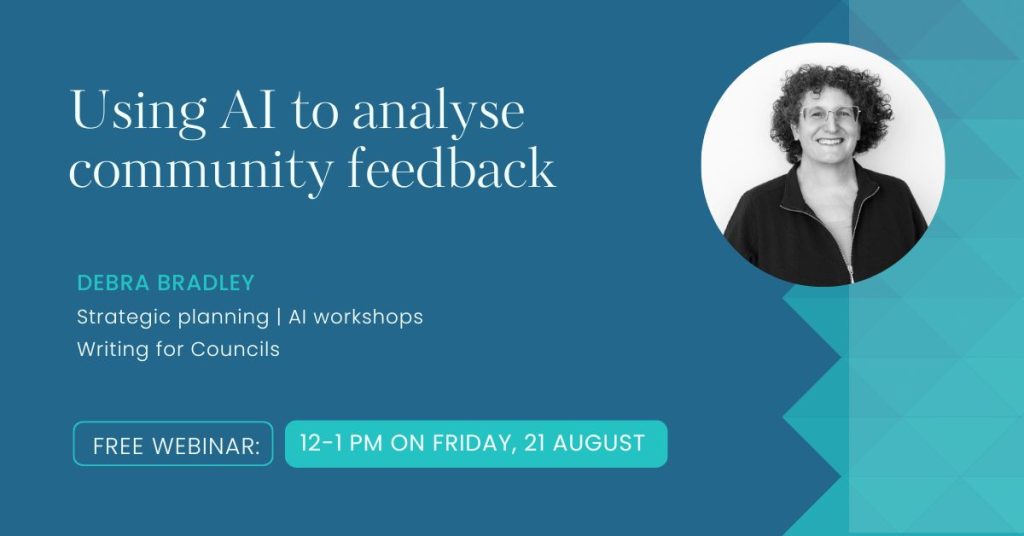
I’ll be sharing more detail about these project examples at a free webinar from 12-1pm on Friday, 21 August. You are welcome to sign up here.